In today’s digital era, smartphones are far more than mere tools for communication—they are a direct extension of our personal style, productivity habits, and visual preferences. We unlock our devices dozens, if not hundreds, of times every single day. Yet, despite the hardware advancements in displays, default mobile operating systems continue to offer factory setups that quickly feel repetitive, static, and uninspired.
While custom launchers exist, they often require heavy configuration, consume significant system memory, and completely overhaul your device’s native navigation. That is where Mico – Widget & Live Wallpaper App comes in. Designed as a comprehensive, lightweight personalization hub, Mico merges high-resolution 4K static wallpapers, dynamic moving live backgrounds, and fully customizable desktop widgets into a single streamlined platform.
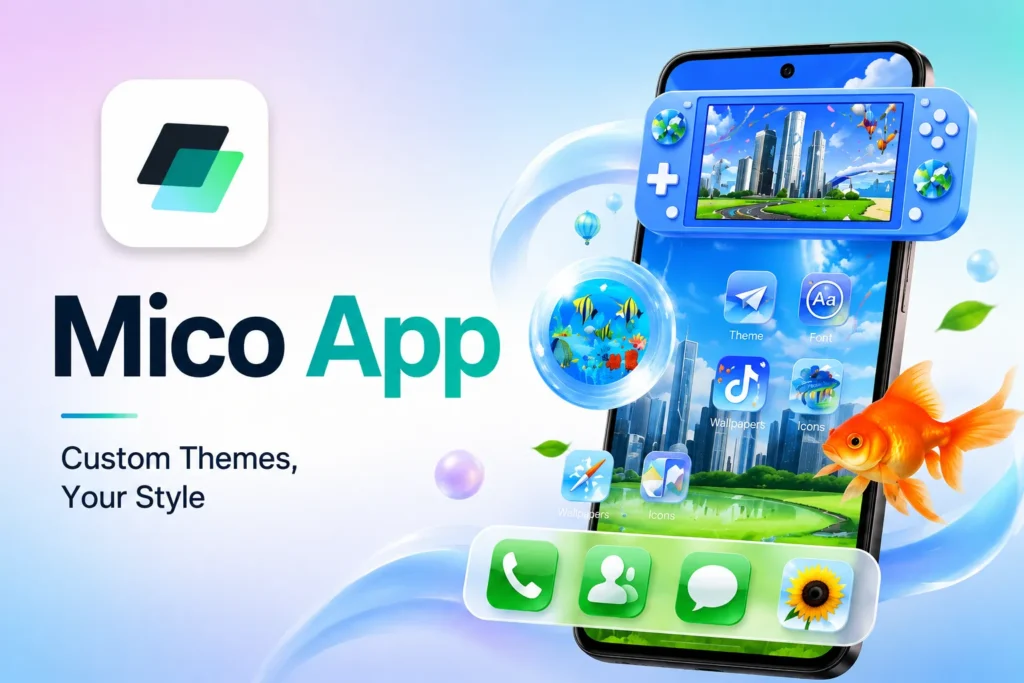
Whether your goal is to curate a minimal, aesthetic home screen layout, track essential weather and battery metrics at a glance, or extend your battery runtime using deep AMOLED visuals, Mico delivers an all-in-one transformation for your mobile interface.
Page Contents
What Is Mico – Widget & Live Wallpaper App?
Mico – Widget & Live Wallpaper App is a specialized customization suite engineered for modern Android smartphones. Unlike single-purpose visual utilities that force users to download separate applications for wallpapers, clock modules, and icon packs, Mico integrates every core component of display customization within a unified interface.
The application addresses a common pain point in mobile personalization: inconsistent asset scaling. Stock images downloaded from random search engine queries often stretch, blur, or fail to match modern screen aspect ratios (such as 19.5:9 or 20:9). Mico solves this by dynamically detecting your device’s precise display resolution and density, ensuring that every wallpaper and widget renders with pixel-perfect clarity.
Featuring full-screen interactive preview modes, fast asset caching, and an organized layout system, Mico caters equally to casual users seeking a quick wallpaper update and design enthusiasts crafting elaborate aesthetic home screen themes.
Key Features & Detailed Visual Categories
Mico App features a vast library of digital assets organized into distinct, searchable categories. This structured approach allows users to quickly discover, preview, and apply matching visual elements without endless scrolling.
1. Ultra HD & 4K Static Wallpapers
The core of Mico’s visual library consists of high-density static graphics, digital artwork, and professional photography. Every background is optimized to take full advantage of modern display technologies, including high-refresh-rate OLED, AMOLED, and IPS panels.
- Abstract & Geometric Art: Clean, high-contrast digital shapes and color gradients ideal for modern setups.
- Nature & Landscapes: High-resolution mountain vistas, oceanic scenery, and atmospheric sky photography.
- Cyberpunk & Anime Visuals: Neon-infused futuristic streetscapes, digital character art, and pop-culture imagery.
- Architecture & Urban Photography: Minimalist building structures, street lighting, and city skylines.
2. Interactive Live & 3D Parallax Wallpapers
For users who prefer dynamic displays over static images, Mico provides a dedicated collection of animated live wallpapers. These backdrops feature fluid particle motion, subtle glowing effects, and multi-layered 3D parallax rendering that shifts perspective based on how you physically tilt your phone.
- Fluid Mechanics: Touch-responsive liquid and smoke simulations that react directly to your finger gestures.
- Cosmic & Space Animations: Rotating galaxies, glowing nebulae, and drifting starfields.
- Looping Motion Graphics: Subtle, low-tempo animations designed to add movement without distracting from your home screen icons.
3. Functional & Aesthetic Home Screen Widgets
A great wallpaper is only half of the home screen equation. Mico includes a versatile suite of functional widgets designed to complement its visual themes while providing quick access to essential daily data:
- Digital & Analog Clocks: Sleek timekeeping modules featuring customizable typography, color accents, and time formats.
- Live Weather Monitors: Real-time temperature displays, daily forecasts, and weather condition graphics styled to match your overall theme.
- Battery & Storage Meters: Visual indicators displaying remaining battery percentages, charging status, and memory usage.
- Calendar & Date Keepers: Compact schedules, upcoming event counters, and day-of-the-week displays.
- Motivational Quote Blocks: Daily rotating text modules providing positive affirmations and stylish typography.
4. True AMOLED Dark Collection
Display power efficiency is a priority for modern smartphone users. Mico features a dedicated AMOLED section containing pure black (#000000) backgrounds. On OLED and AMOLED displays, pure black pixels turn off completely, meaning these wallpapers not only look striking with high contrast, but they also actively help conserve battery power throughout the day.
5. DIY Personalization & Customization Tools
Mico includes built-in editing controls that give you direct creative freedom:
- Widget Styling: Adjust transparency, background blur, font families, text sizes, and accent colors for any widget.
- Wallpaper Filters: Apply custom color overlays, contrast tweaks, or blur effects to static backgrounds to ensure app icons remain perfectly readable.
Step-by-Step Setup & Installation Guide
Transforming your device with Mico App is straightforward. Below is a detailed walkthrough for applying wallpapers and placing custom widgets on your home screen.
Setting Up Static and Live Wallpapers
- Launch Mico App: Open the application on your mobile device.
- Explore the Library: Use the bottom navigation bar to switch between Wallpapers, Live, or Categories, or use the search bar to locate specific tags or color palettes.
- Full-Screen Preview Mode: Tap any wallpaper to launch the interactive preview mode. This shows how the image looks behind mock app icons and system status bars.
- Apply to Device: Tap the Apply button at the bottom of the screen.
- Select Destination: Choose whether to set the background on your Home Screen, Lock Screen, or Both.
Adding & Customizing Desktop Widgets
- Navigate to Home Screen: Return to your device’s main display screen.
- Enter Edit Mode: Press and hold any open, empty space on your home screen until the system menu appears.
- Open System Widget Menu: Tap Widgets from the pop-up options.
- Locate Mico: Scroll through the list of installed applications and expand the Mico menu.
- Drag and Drop: Select your preferred widget (e.g., Clock, Weather, or Battery), drag it onto your screen layout, and release it.
- Customize Appearance: Tap directly on the newly placed widget to open its dedicated configuration panel, where you can adjust colors, fonts, and background opacity to match your wallpaper.
Performance, RAM & Battery Usage Breakdown
Installing visual personalization tools often raises concerns about background resource consumption and battery drain. Here is a realistic breakdown of how different features in Mico App interact with your device hardware:
| Feature Type | CPU / GPU Impact | RAM Footprint | Battery Consumption |
| Static HD/4K Wallpapers | None | Negligible | Zero (AMOLED dark themes reduce battery usage) |
| System Widgets | Low (Occasional interval syncs) | Minimal (~15–30 MB) | Negligible |
| Live & 3D Wallpapers | Moderate (Active screen rendering) | Low-Moderate (~40–80 MB) | Low to Moderate (Slight impact on older devices) |
Optimization Tips:
- If battery preservation is your primary goal, pair a Static AMOLED Wallpaper with 1–2 essential system widgets (such as Clock and Weather).
- On older hardware, avoid running heavy 3D live wallpapers continuously to ensure your device maintains peak UI response speeds.
Safe Download & Security Verification
When downloading mobile utility and personalization software, user security and privacy should always come first.
- Use Official Storefronts: Always download Mico – Widget & Live Wallpaper App from official repositories like the Google Play Store to guarantee package integrity and verified security scans.
- APK Download Precautions: If installing via an external APK package, ensure you source the file exclusively from reputable distribution channels. Avoid cracked or modified (“modded”) APK files that demand unnecessary administrative permissions.
- Check Permission Requests: A standard personalization app requires basic storage permissions (to save images locally) and system overlay permissions (to display widgets). Be wary of wallpaper apps requesting intrusive access to contacts, SMS, or precise location data.
Why Personalization Apps Remain Essential for Mobile Users
The ongoing popularity of wallpaper and widget apps stems from a simple reality: your phone screen is one of your most frequently viewed digital spaces. Personalizing this interface offers several key benefits:
- Improved Visual Comfort: Switching to dark themes or soft, minimal backgrounds reduces eye strain during night-time usage.
- Enhanced Productivity: Well-organized home screen widgets allow you to check weather conditions, upcoming calendar commitments, and battery levels without opening multiple apps.
- Refreshed User Experience: Regularly updating your mobile layout gives your existing device a fresh, updated feel without needing to purchase new hardware or install heavy custom ROMs.
Final Verdict
Mico – Widget & Live Wallpaper App stands out as an exceptionally well-rounded personalization suite for Android users. By housing high-definition 4K static graphics, interactive live motion backgrounds, and custom desktop widgets under one roof, it removes the hassle of managing multiple styling tools.
Whether you want a quick visual update or a completely redesigned, functional mobile setup, Mico provides the performance, variety, and customization depth needed to elevate your daily screen experience.
Related Word: Muco, maco, meco, moco, Nico, Wico, Maic, Micro, Rico, Mic, Mioc, Mioc, Mice, Mit
